macOS
Open the file and drag Chattering onto Applications.
Download for Apple siliconDownload for Intel MacsOne place where you and your AI agents work with code, data and documents, on your own computer.
Free and open source. Early alpha: the downloads aren’t signed yet, so your computer asks once before opening Chattering.
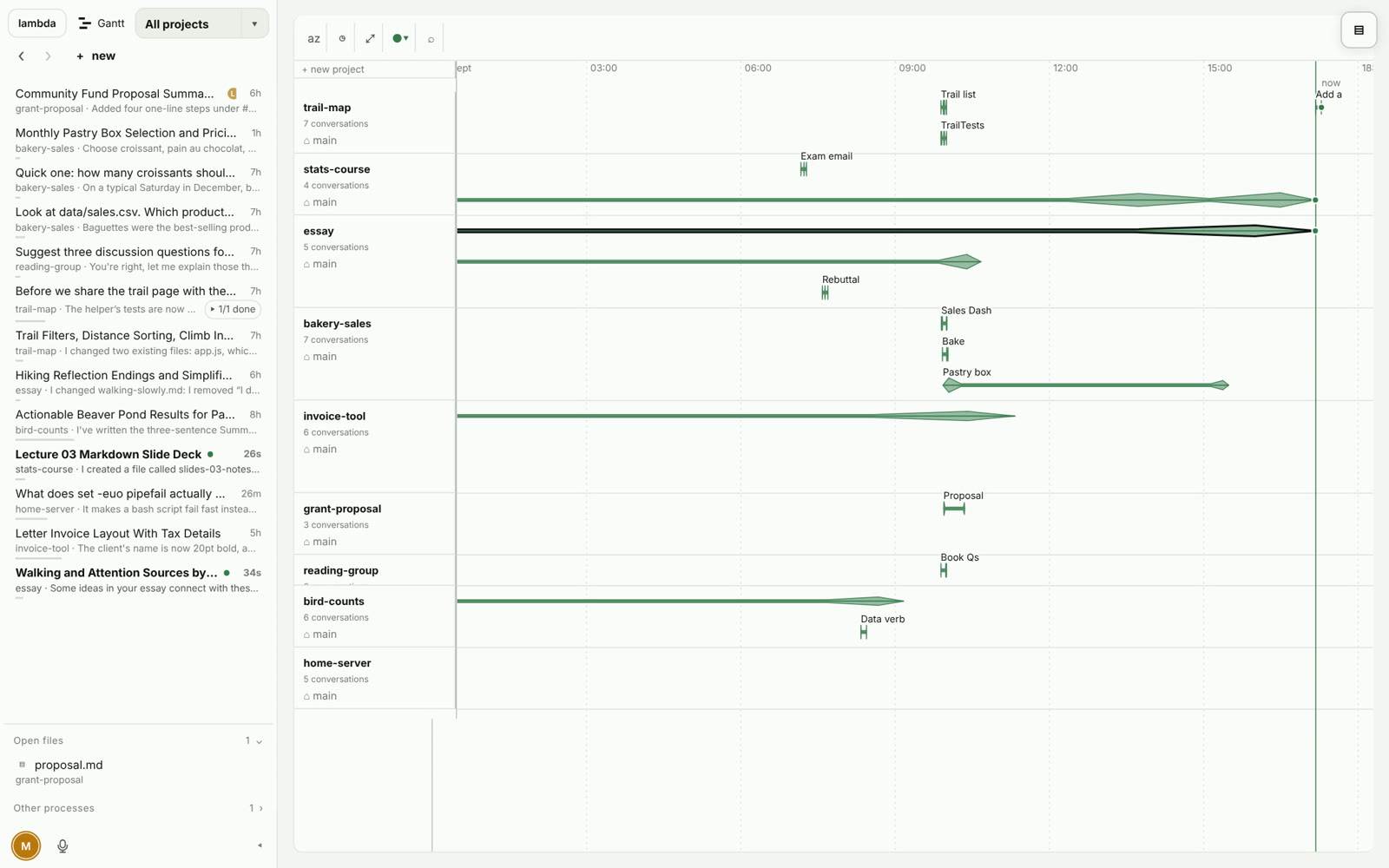
Every project and conversation on one timeline, with recent work listed on the left.
Projects, conversations and files stay on your machine. There is no Rockfrog account and no Rockfrog cloud.
Chattering reads your Pi and Claude Code conversations where those tools keep them, so you can search them and build on them.
Share one project with a link. The other person sees only that project and can work in their browser.
Your files stay local, but online AI models still receive what you send them.
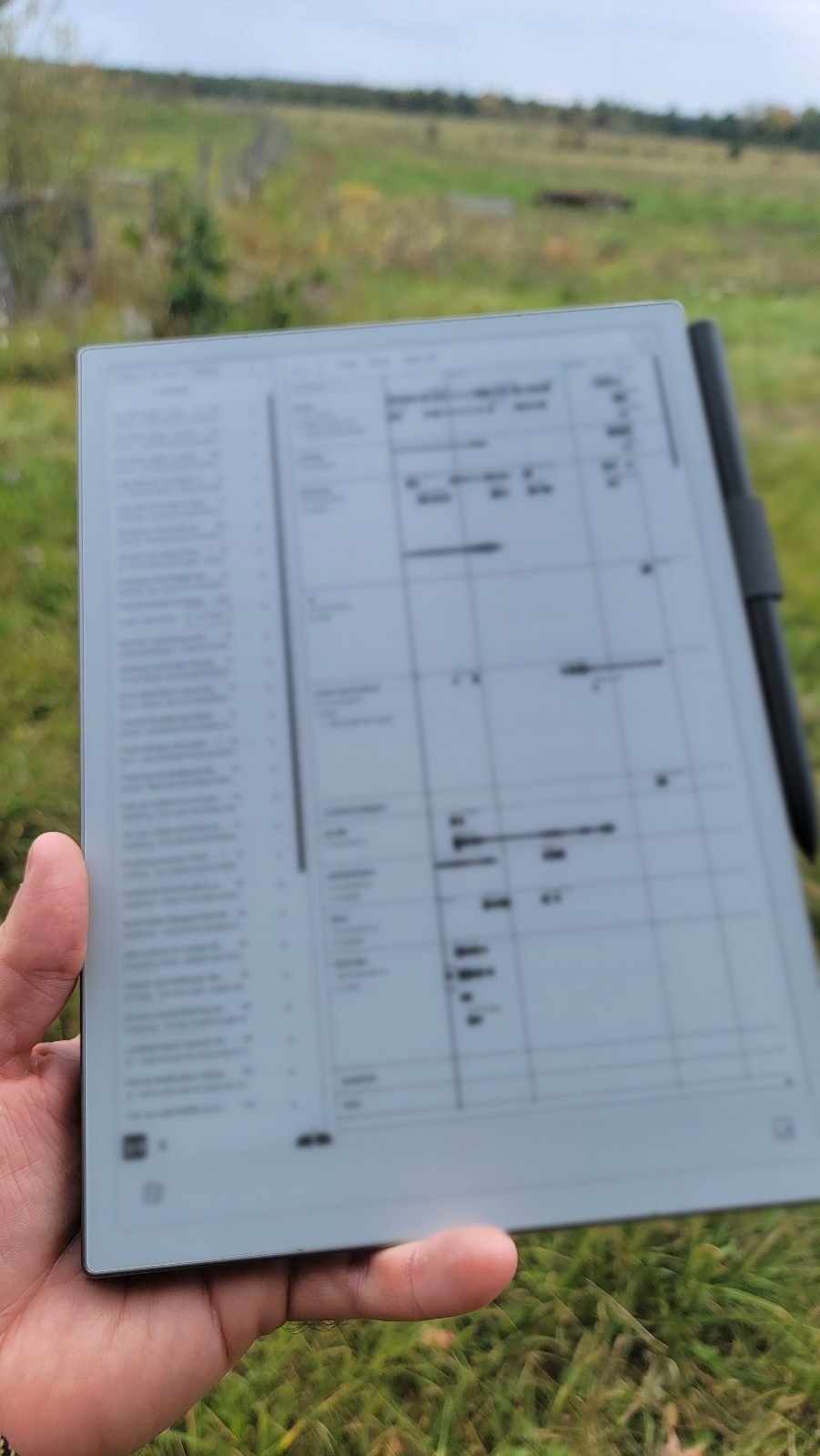
Chattering runs on your computer and opens in a browser. Turn on one setting, and your phone or tablet on the same network can open it too.
The e-ink theme uses only black and white and turns off all animation, so it stays sharp on paper screens.
Connect the AI you already have: a Claude or ChatGPT plan, an API key, or a model on your own computer.
Open the file and drag Chattering onto Applications.
Download for Apple siliconDownload for Intel MacsFor Windows 10 and 11. No administrator password needed.
Download for WindowsDownload for Windows on ARMPaste this in a terminal. No administrator password needed.
curl -fsSL https://raw.githubusercontent.com/MaximeRivest/chattering/master/install/install.sh | shThe first time you open it, macOS asks you to allow it in System Settings, under Privacy & Security. On Windows, choose “More info”, then “Run anyway”.
Chattering is free and open source under the Apache 2.0 license. You connect your own AI: a Claude or ChatGPT plan, an API key, or a model running on your computer. Those providers may charge you for what you use.
On your computer. Chattering keeps your conversations, notes and files there, and there is no Rockfrog account. When you ask an online model something, what you send goes to that model’s provider.
Pi and Claude Code. Chattering finds their conversations where those tools keep them. Pi conversations continue inside Chattering. Claude Code conversations can be read, searched, and branched into a new conversation.
It is an early alpha. We use it every day, and you will find rough edges. Please report them on GitHub.
Yes. Invite someone to a project with a link. They see that project and nothing else on your computer, and they can work in their browser.